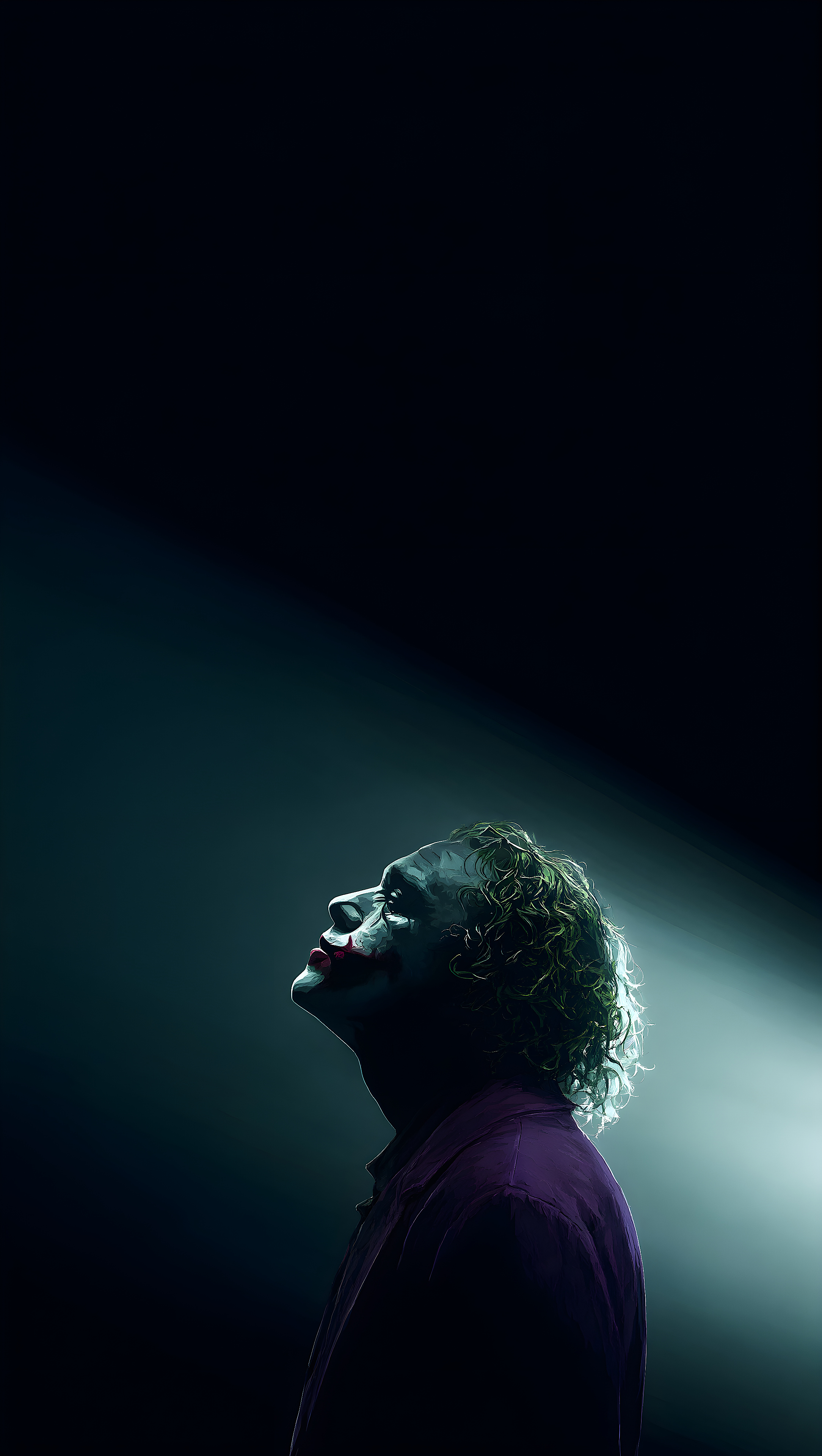

The Joker Upward Spotlight Cinematic HD
The Joker looks upward into a stark cinematic beam of light against pure shadow.
mobile
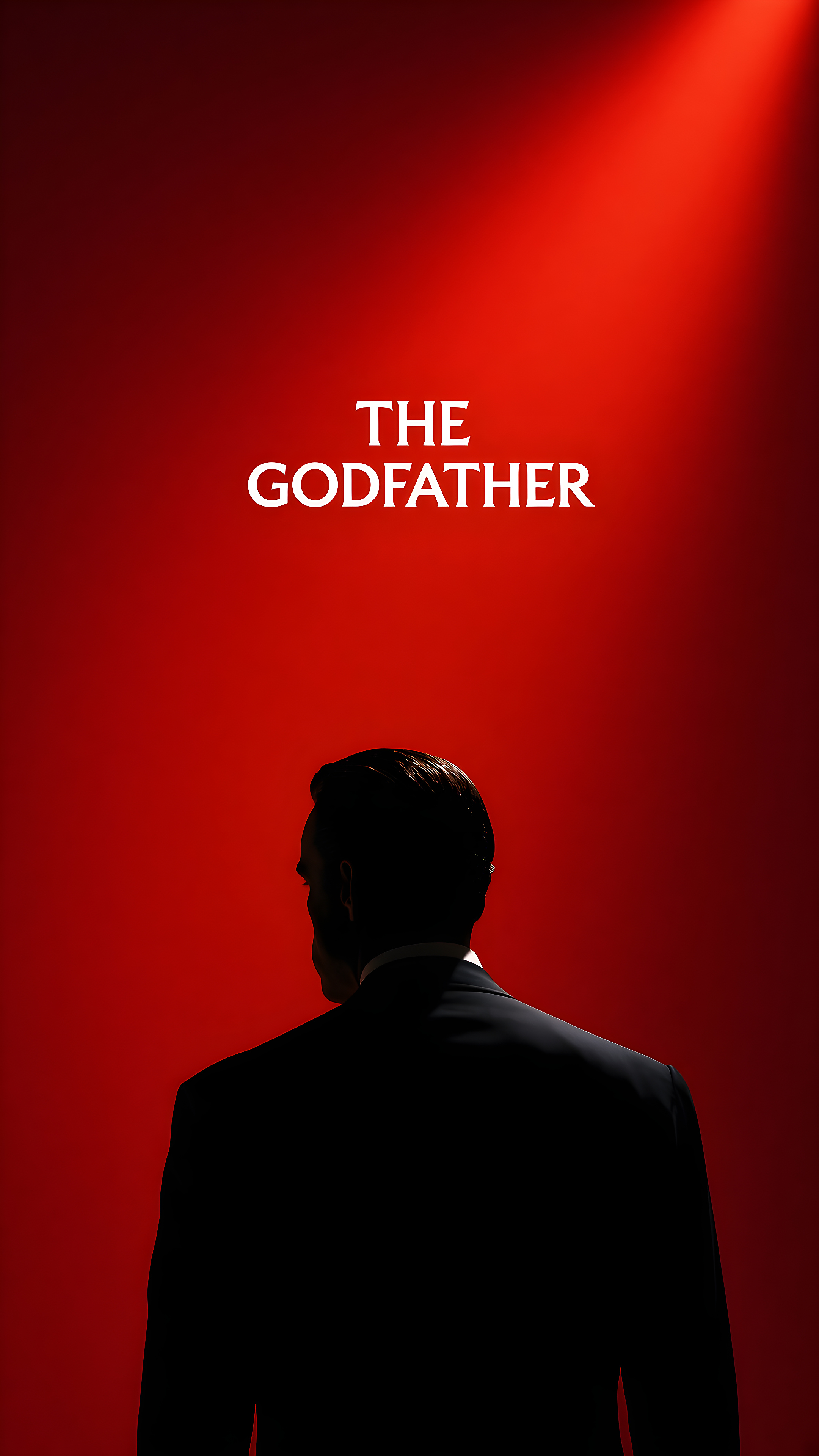
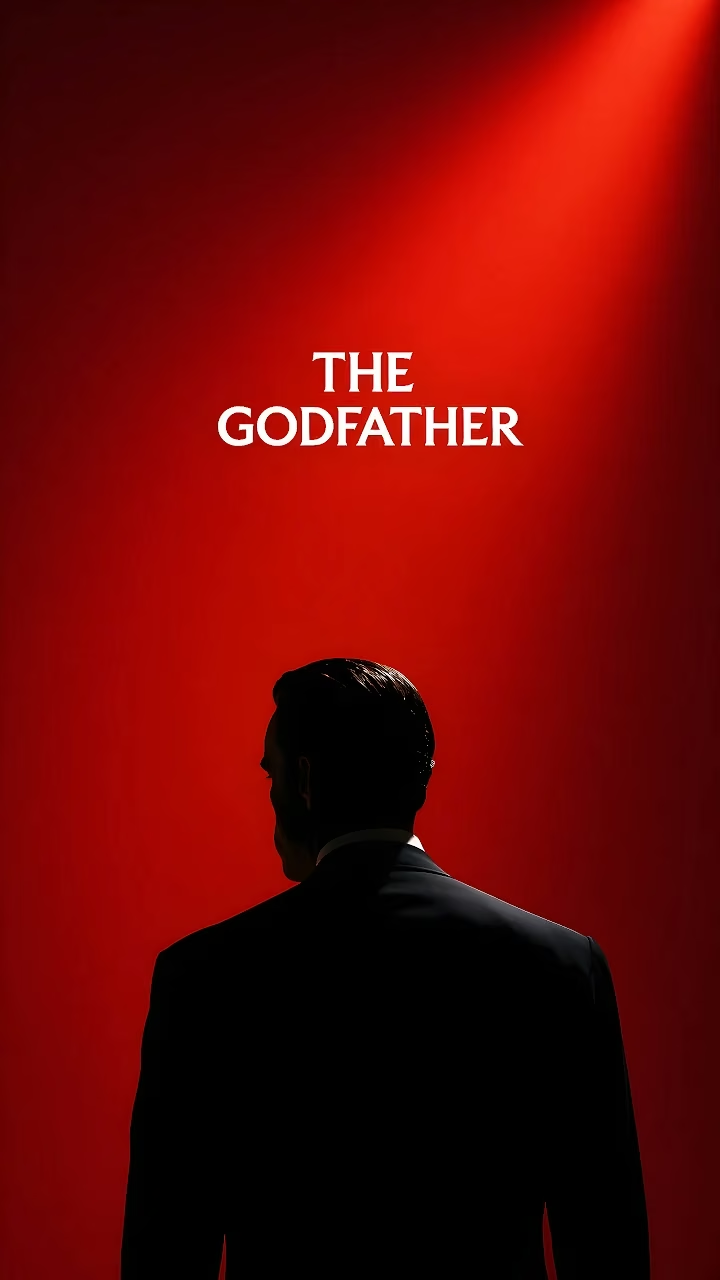
Silhouette of a man in a dark suit centered against a red background under spotlight with The Godfather title text.
Discover more high-resolution wallpapers with matching aesthetics
The Joker looks upward into a stark cinematic beam of light against pure shadow.

Spider-Man hangs inverted from a single web line against a clear open daylight sky.
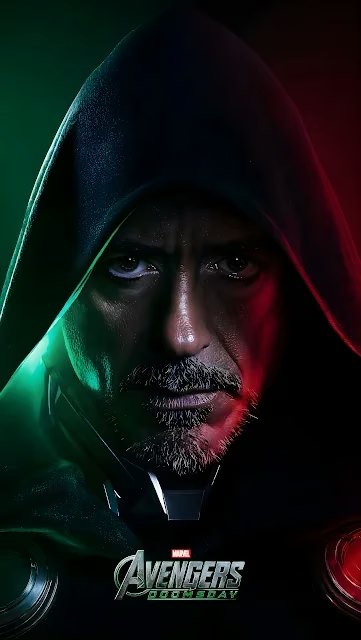
Robert Downey Jr. as Doctor Doom wearing a dark hood under contrasting green and red rim lighting.
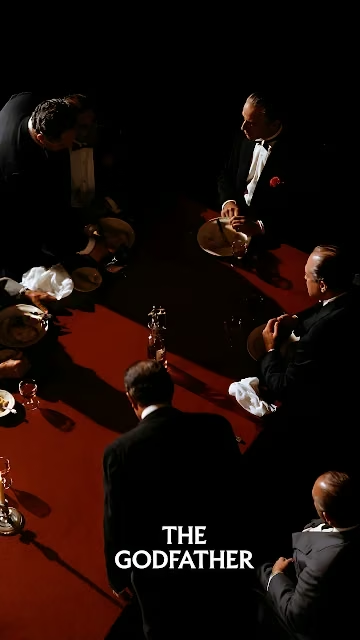
Overhead view of mafia figures in tuxedos seated around a red table under dramatic lighting with The Godfather logo.
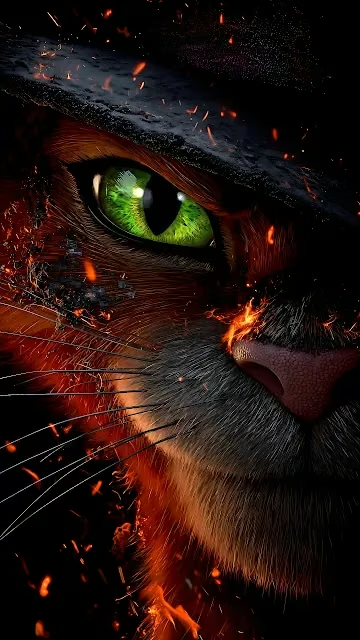
Intense close-up of Puss in Boots featuring a piercing green eye amid glowing ember sparks.

Cinematic portrait of Black Widow in a tactical suit aiming a handgun forward.
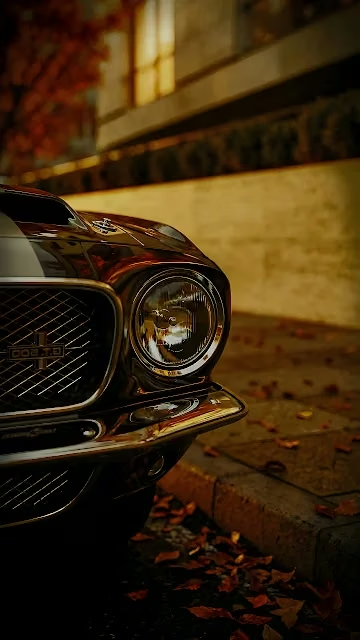
Close-up front quarter view of a classic Shelby GT500 with scattered autumn leaves.
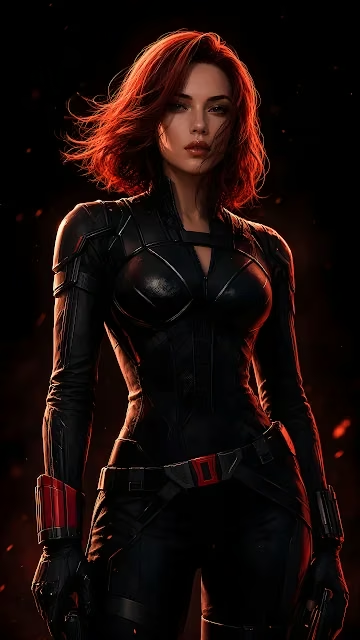
Black Widow in black tactical armor illuminated by atmospheric red backlight and embers.

Doctor Doom stands beneath a massive burning Avengers emblem in a dark misty wasteland.
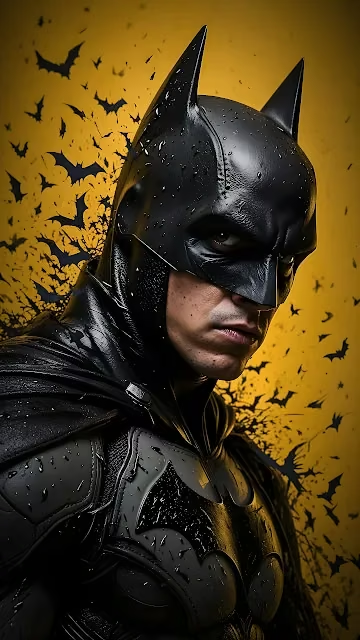
Batman wearing tactical armor stands against a bright yellow background filled with flying bats.

A hooded Doctor Doom stands beneath a massive molten burning Avengers logo on a barren landscape.

Kara Danvers in her Supergirl suit stands outdoors with natural daytime lighting.






Curated partner recommendations and related design resources
Tested for optimal pixel alignment, sharpness, and high dynamic range scaling without blur or compression artifacts:
Designed with intentional contrast ratios to ensure desktop icons, widgets, and status bars remain clearly legible.
The native resolution is 1440 × 2560 pixels, providing sharp clarity without pixelation.
Yes, all wallpapers on Raveby are 100% free for personal use on macOS, Windows, iPhone, Android, and Linux setups.
This wallpaper is calibrated for portrait mobile screens including iPhone 16/15/14, Samsung Galaxy, Google Pixel, and Android devices.
Click Download Wallpaper to save the image to your device, then select it in your device display settings to set as your background.