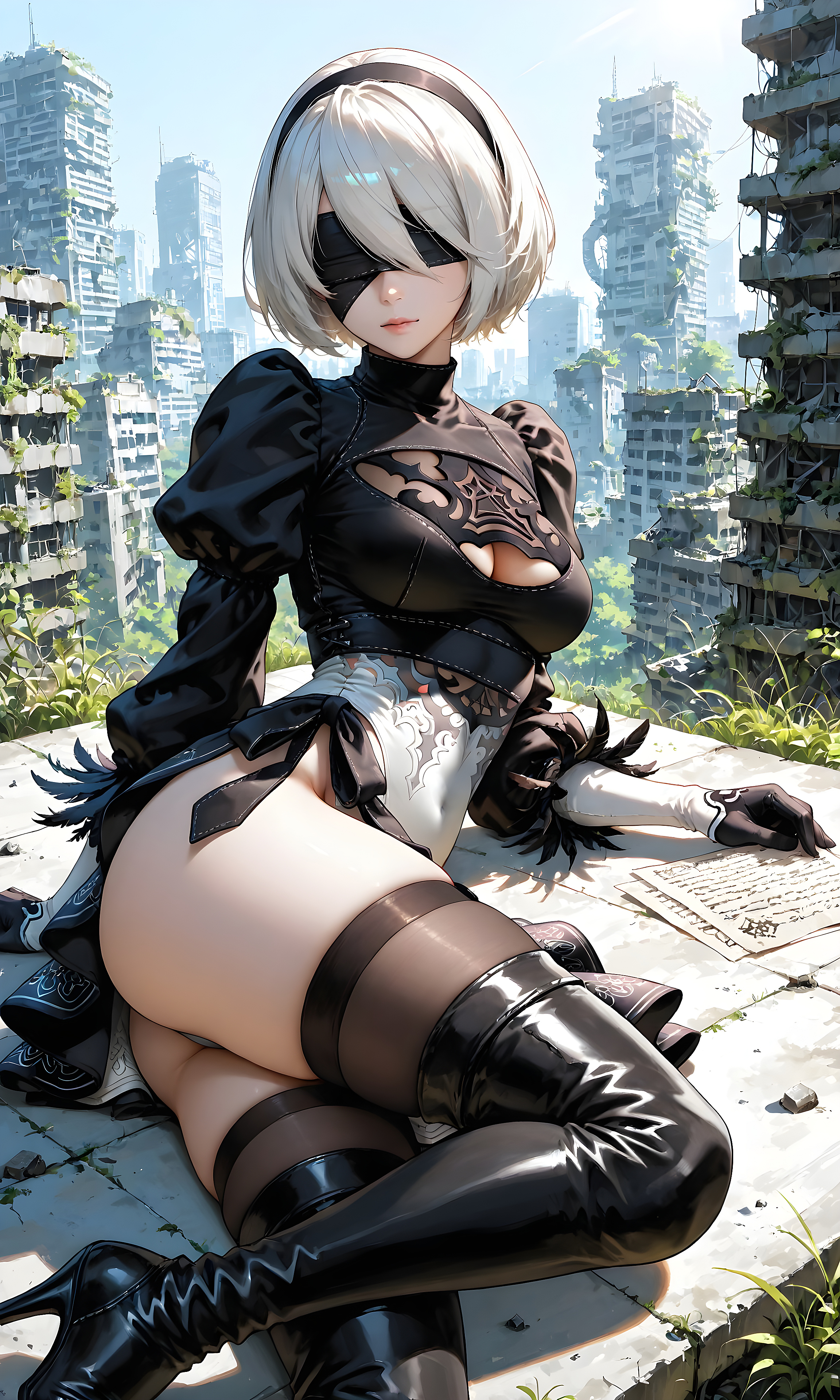
NieR Automata 2B City Ruins HD
2B from NieR: Automata rests on a rooftop overlooking overgrown city ruins.
mobile
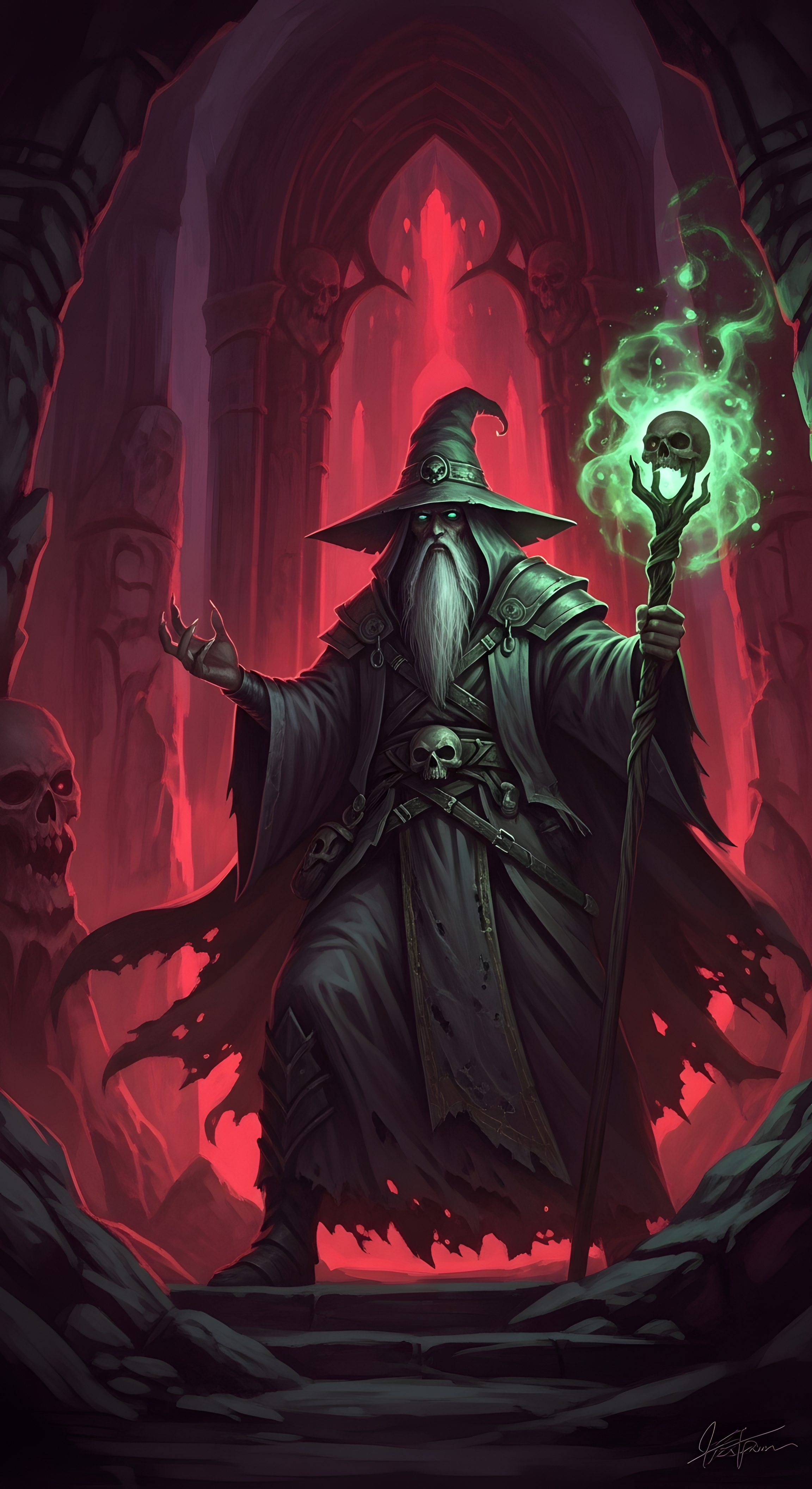
High-contrast Necromancer Wizard in Red Gothic Crypt with Green Magic Staff wallpaper crafted for ultra-high-definition displays. Featuring pristine master resolution and color calibration for smartphones.
Discover more high-resolution wallpapers with matching aesthetics
2B from NieR: Automata rests on a rooftop overlooking overgrown city ruins.
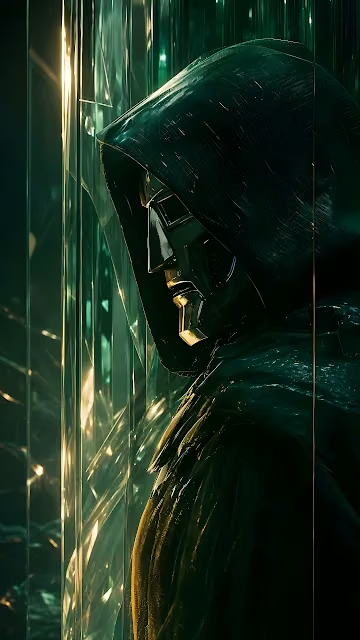
Doctor Doom in a hooded cloak and metallic faceplate poses beside luminous emerald glass columns.
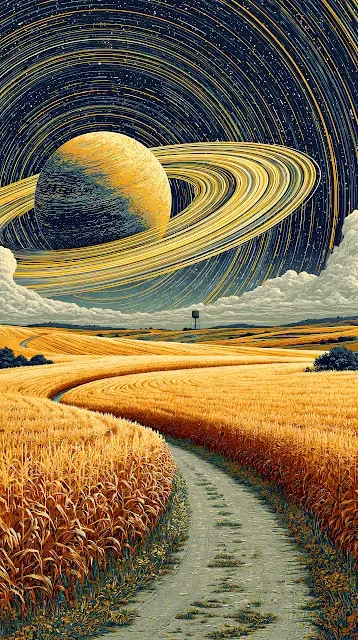
A ringed planet looms in a starry sky above a golden rural wheat field.
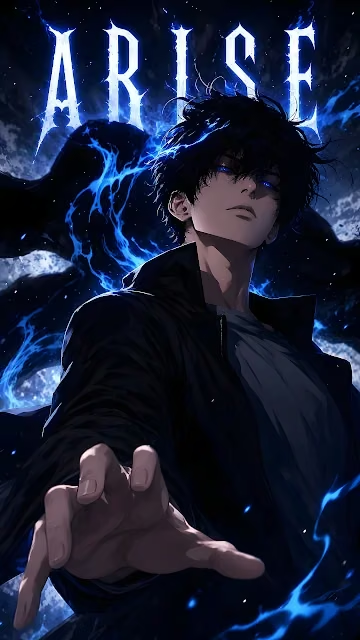
Sung Jinwoo casting the Arise command surrounded by vibrant blue shadow energy.
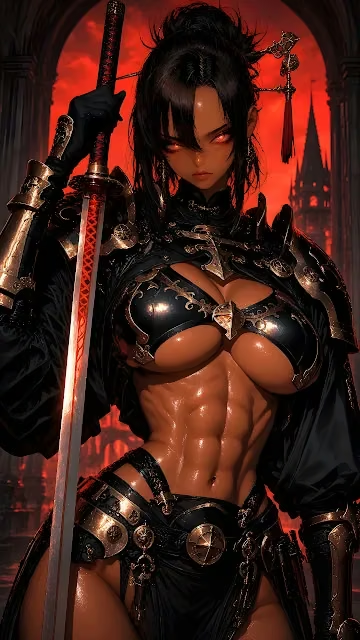
Dark fantasy swordswoman holding an engraved glowing katana in a ruined cathedral.
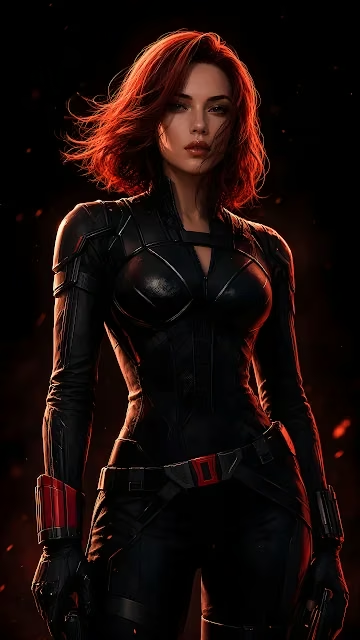
Black Widow in black tactical armor illuminated by atmospheric red backlight and embers.

Dual-tone double exposure blending a giant panda face with misty mountains and a golden temple landscape.
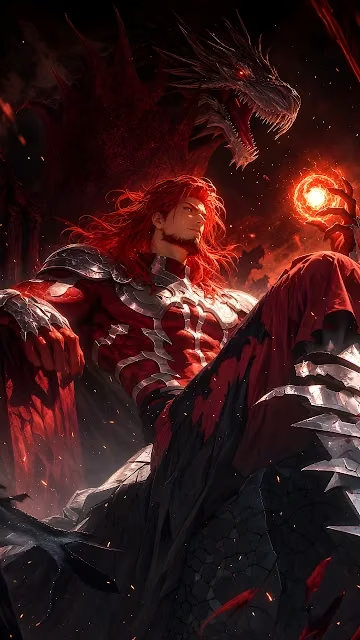
Red-haired dragon warlord seated on a stone throne summoning a glowing energy sphere.
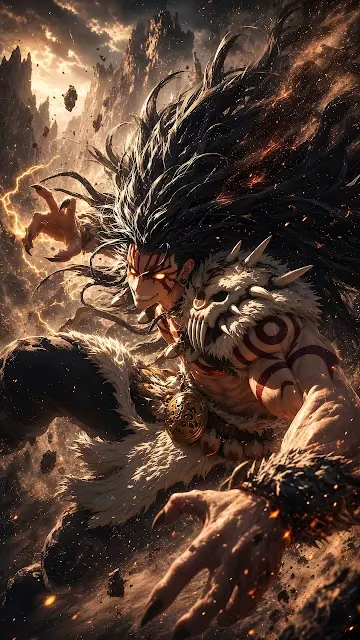
Dynamic action illustration of a fierce anime warrior unleashing lightning and volcanic power.
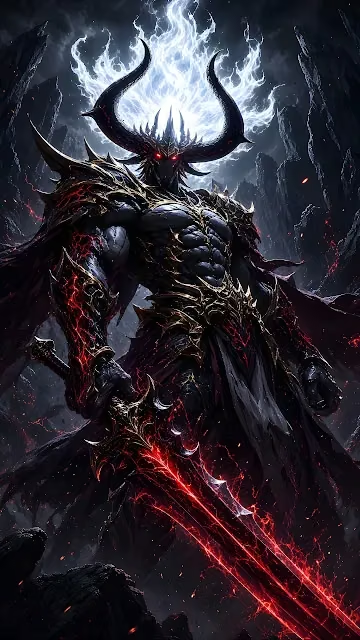
Towering demonic knight in spiked armor wielding a glowing red magma greatsword.
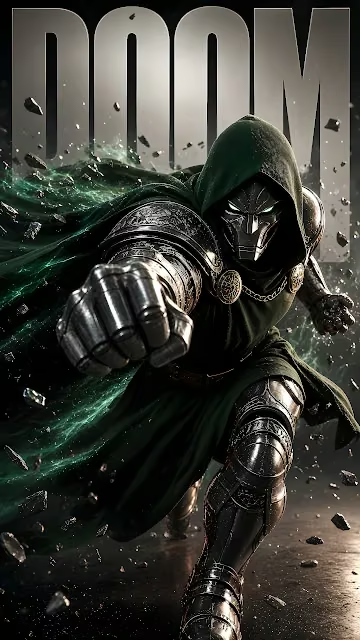
Doctor Doom charges forward throwing a metal-clad punch surrounded by swirling green energy.
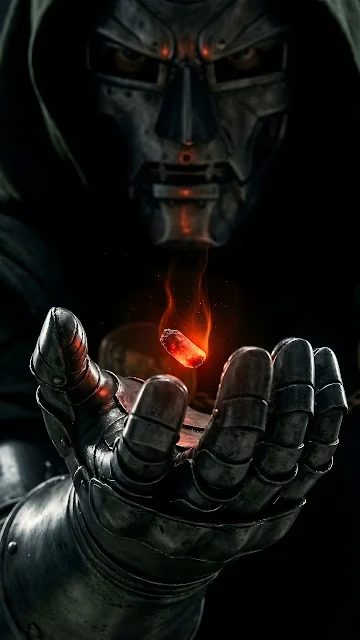
Doctor Doom hovers a glowing red Infinity Stone above his heavy steel gauntlet in the dark.
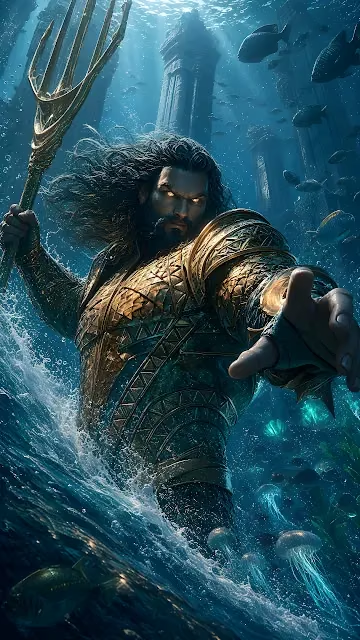
Aquaman grips a golden trident amidst ocean currents, underwater ruins, and glowing marine life.
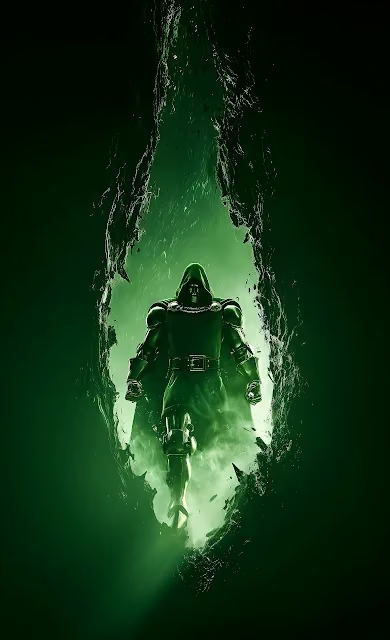
Doctor Doom steps forward through a cracked stone portal radiating intense green mist and light.
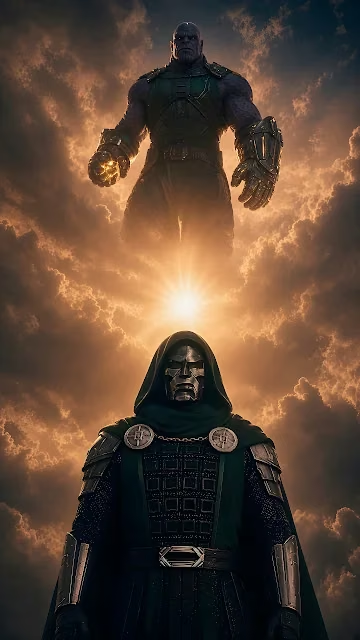
Doctor Doom stands prominently in the foreground beneath a towering Thanos in glowing clouds.
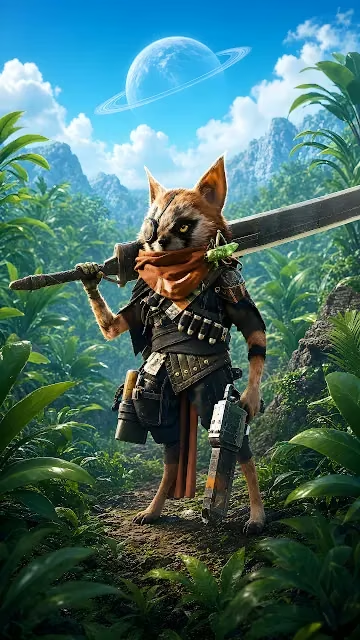
An armored raccoon warrior carrying weapons stands on a jungle trail below a ringed planet.
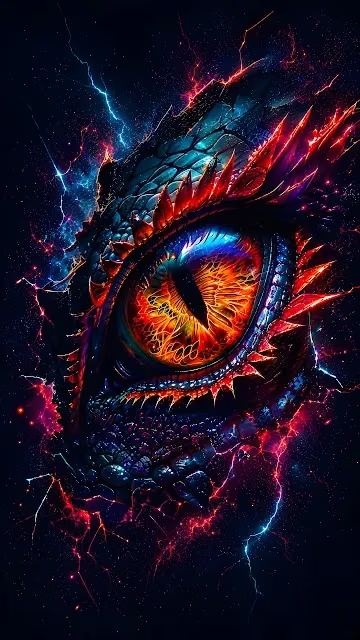
A glowing fiery dragon eye with detailed scales emits crackling red and blue lightning.
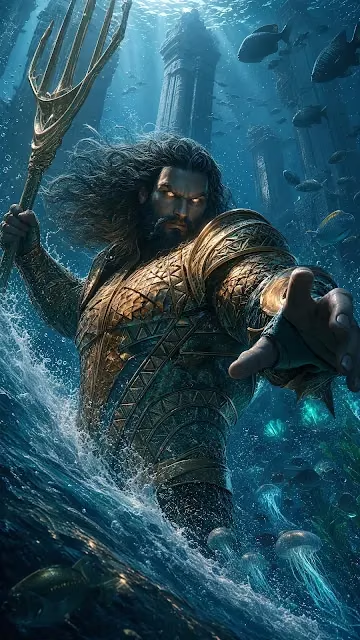
Aquaman commands the ocean with a golden trident alongside jellyfish and underwater ancient columns.
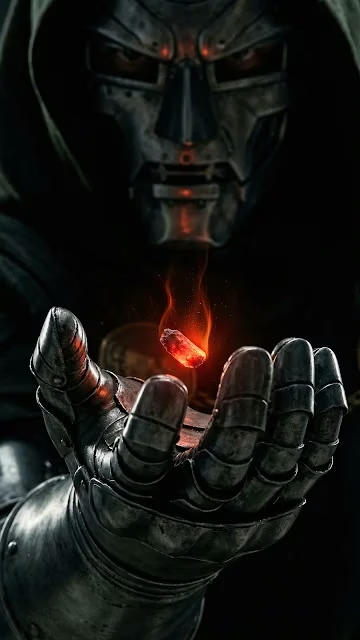
Doctor Doom suspends a flaming orange crystal over an articulated iron gauntlet in darkness.
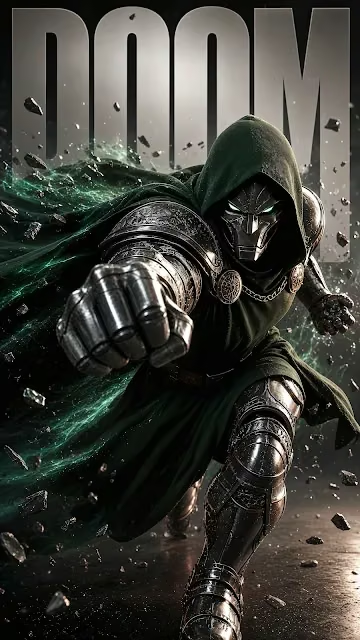
Doctor Doom rushes forward with a metallic fist surrounded by emerald energy swirls and floating debris.
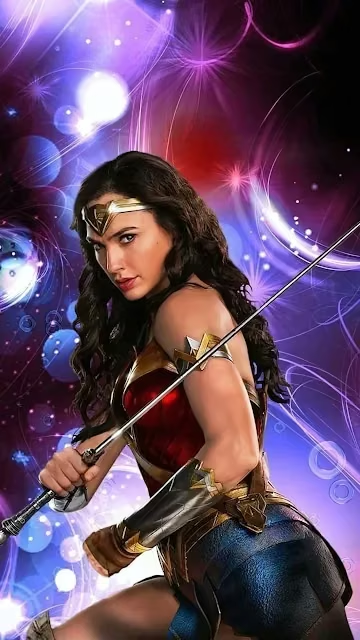
Wonder Woman poses with a sword surrounded by vibrant purple and magenta light effects.
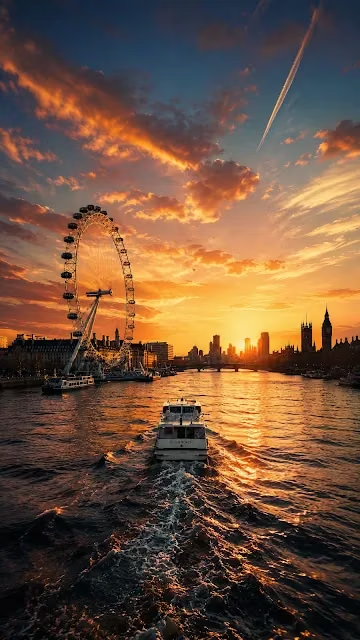
A cruise boat sails along the River Thames toward a glowing golden sunset between the London Eye and Big Ben.

A menacing skull gangster poses with cash and a rifle against a glowing New York City night skyline.

Curated partner recommendations and related design resources
Tested for optimal pixel alignment, sharpness, and high dynamic range scaling without blur or compression artifacts:
Designed with intentional contrast ratios to ensure desktop icons, widgets, and status bars remain clearly legible.
The native resolution is 1440 × 2560 pixels, providing sharp clarity without pixelation.
Yes, all wallpapers on Raveby are 100% free for personal use on macOS, Windows, iPhone, Android, and Linux setups.
This wallpaper is calibrated for portrait mobile screens including iPhone 16/15/14, Samsung Galaxy, Google Pixel, and Android devices.
Click Download Wallpaper to save the image to your device, then select it in your device display settings to set as your background.