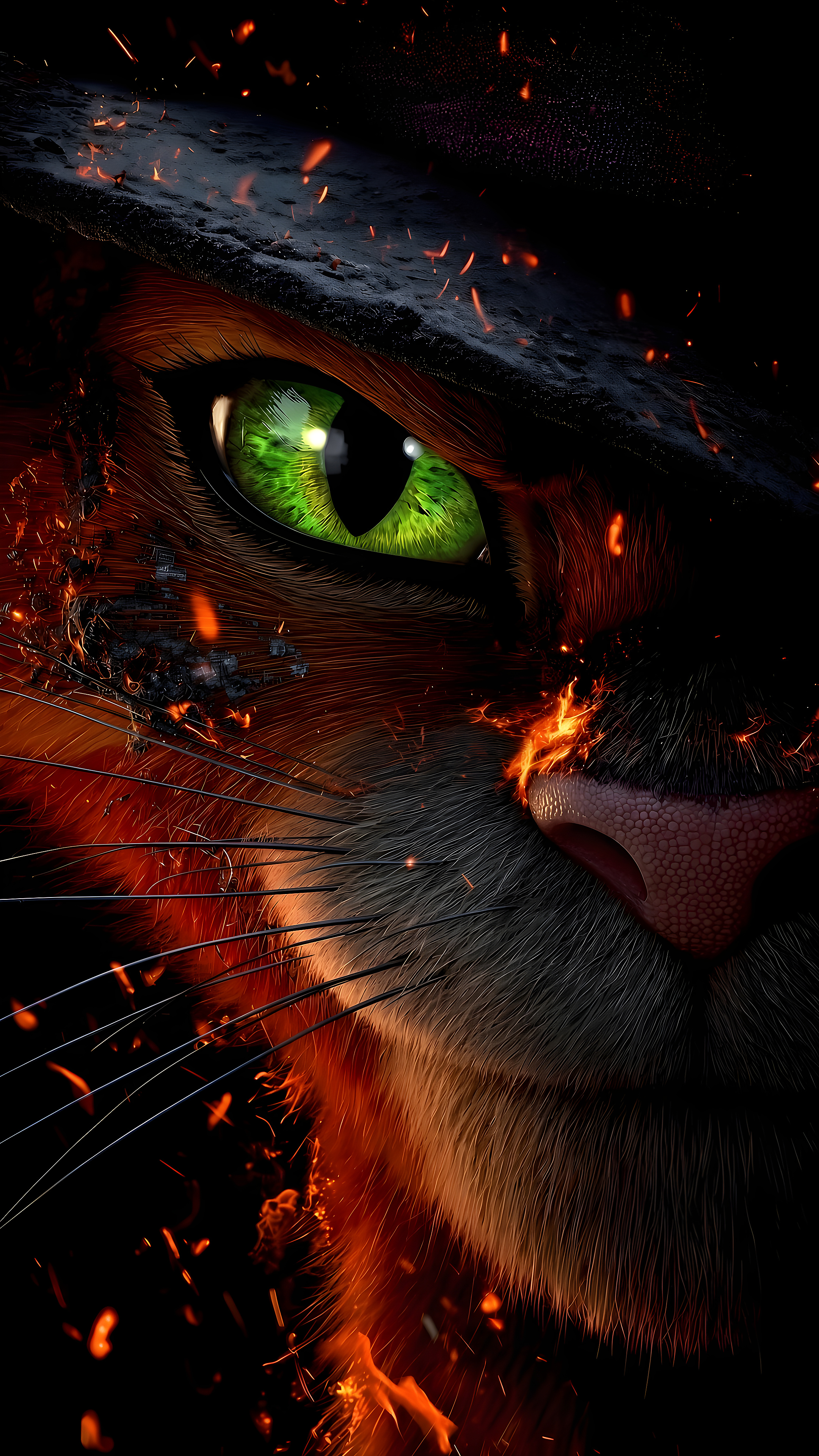
Puss In Boots Glowing Green Eye Embers 4K
Intense close-up of Puss in Boots featuring a piercing green eye amid glowing ember sparks.
mobile
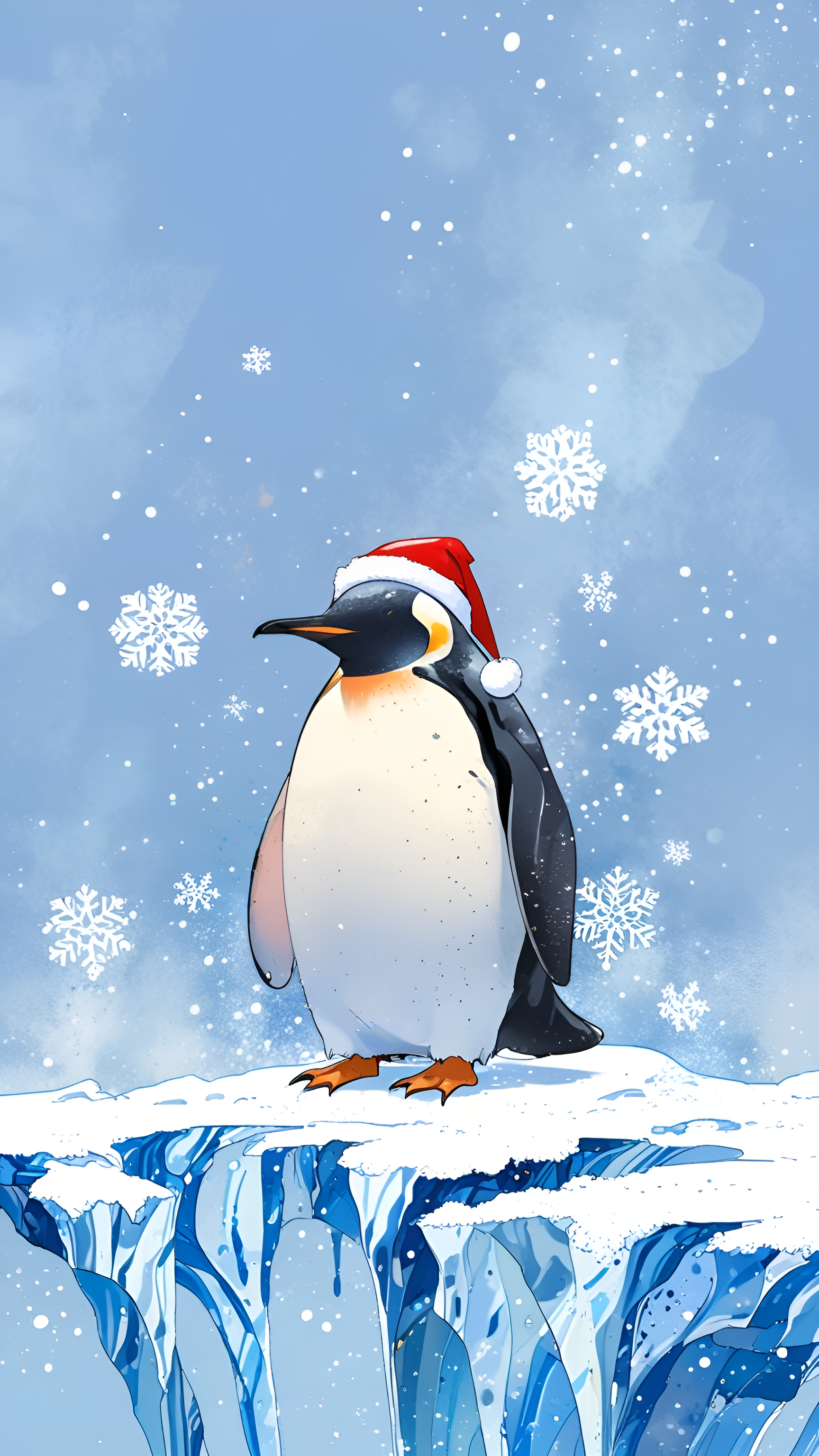
High-contrast Penguin Wearing Santa Hat on Snowy Ice Cliff in Winter wallpaper crafted for ultra-high-definition displays. Featuring pristine master resolution and color calibration for smartphones.
Discover more high-resolution wallpapers with matching aesthetics
Intense close-up of Puss in Boots featuring a piercing green eye amid glowing ember sparks.

Expedition of mountaineers ascending a steep snow slope toward high alpine peaks.

A vintage car travels along a winding road through terraced tea hills beneath a sunlit snow mountain.

A white snow leopard character wearing glasses rests on a park bench under falling cherry blossoms.
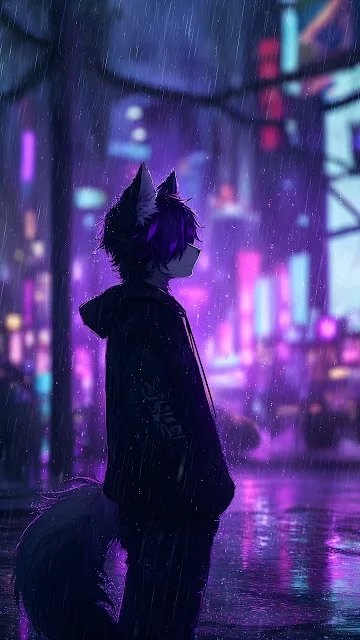
A wolf-eared anime boy in a dark hoodie stands under pouring rain on a neon-lit cyberpunk street.

Two hikers stand on a sharp snowy mountain ridge above swirling cloud layers.
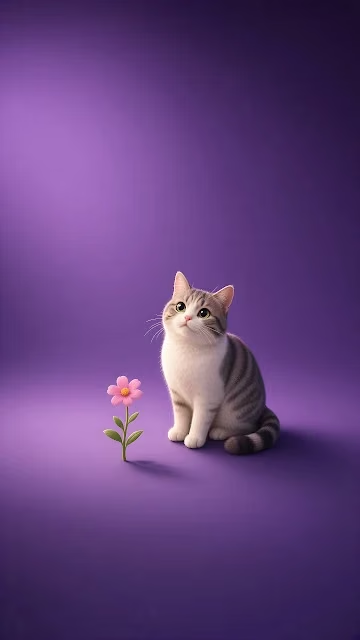
A grey and white tabby cat sits beside a single pink flower against a smooth purple backdrop.
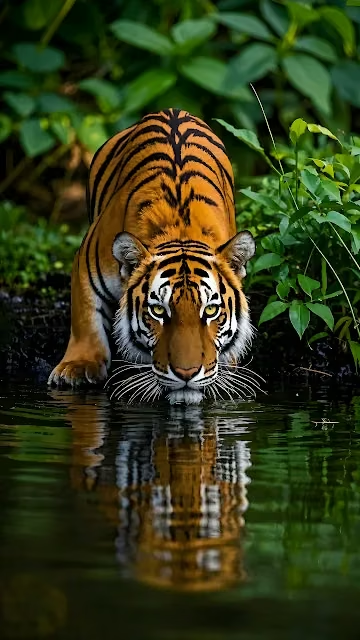
A Bengal tiger drinks from calm water surrounded by lush green jungle foliage.

An armored raccoon warrior carrying weapons stands on a jungle trail below a ringed planet.

A snow-covered Himalayan peak towers over lush green tea terraces and a winding road with a blue car.

Snow-dusted Mount Fuji reflects peacefully on a calm lake, beautifully framed by scarlet autumn maple leaves.


Curated partner recommendations and related design resources
Tested for optimal pixel alignment, sharpness, and high dynamic range scaling without blur or compression artifacts:
Designed with intentional contrast ratios to ensure desktop icons, widgets, and status bars remain clearly legible.
The native resolution is 1440 × 2560 pixels, providing sharp clarity without pixelation.
Yes, all wallpapers on Raveby are 100% free for personal use on macOS, Windows, iPhone, Android, and Linux setups.
This wallpaper is calibrated for portrait mobile screens including iPhone 16/15/14, Samsung Galaxy, Google Pixel, and Android devices.
Click Download Wallpaper to save the image to your device, then select it in your device display settings to set as your background.